
If you run a small business, you already know your website isn’t optional anymore. Whether you’re a plumber who wants more calls, a local doctor who wants patients to find you online, or a freelancer trying to look credible to new clients, your website is often the first impression you make. And first impressions decide whether someone calls you or scrolls past you.
The problem? Most small business owners aren’t designers, developers, or marketers. They’re busy running the actual business. That’s exactly why choosing the right website builder for small businesses matters so much in 2026: the right tool gets you online in minutes; the wrong one eats your time and money for months.
In this guide, we’ll break down what actually makes a small business website builder worth using this year, compare some of the most popular website builders, and help you pick the one that fits your business, not someone else’s.
How We Evaluated Website Builders
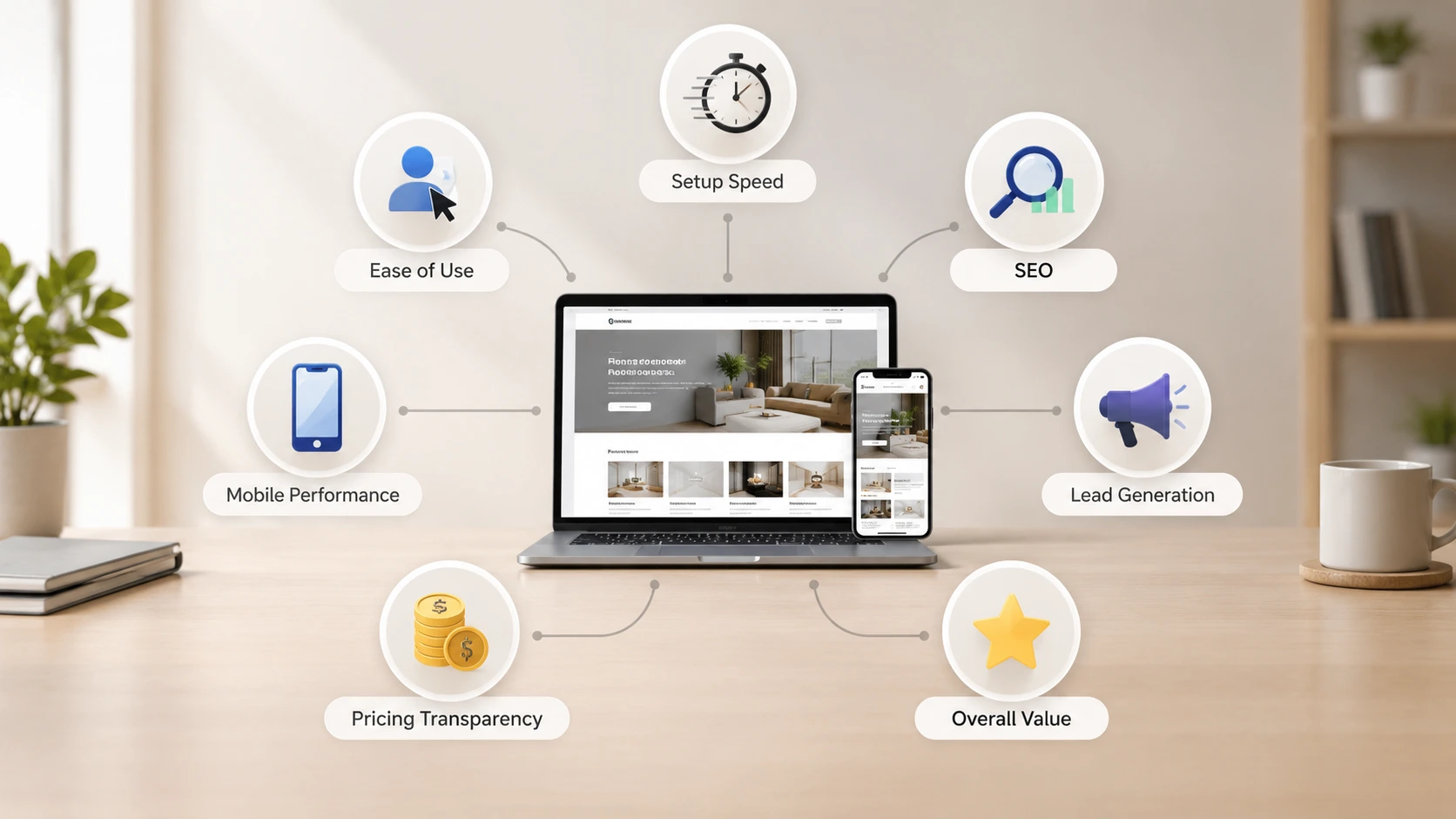
Choosing a website builder is about more than attractive templates. For this guide, we evaluated each platform based on the factors that matter most to small businesses, including ease of use, setup speed, SEO readiness, mobile performance, lead generation features, pricing transparency, and overall value. Our goal is to help business owners understand which type of website builder best fits their needs, whether they're launching their first website or replacing an existing one.
Why Your Website Builder Choice Matters More in 2026
A few years ago, having a website was enough to look legitimate. That’s no longer true. Today, customers often check your website before they call you, and many also discover businesses through AI-powered search experiences such as ChatGPT and Google's AI Overviews.
This shift means your website needs to do three things well:
- Load fast and look professional on every device, especially mobile.
- Be easy for search engines and AI tools to understand, so you show up when people search.
- Convert visitors into leads, not just passive visits.
A good website builder for small businesses handles all three without requiring you to learn code, hire a developer, or spend weeks designing pages from scratch.
AI doesn't replace your business knowledge; it simply speeds up the website creation process. Instead of starting with a blank page, modern AI website builders generate a professional first draft based on the information you provide. You remain in control of the final content, design, and branding while saving hours of manual work.
What to Look for in a Small Business Website Builder
Before comparing tools, it helps to know what actually matters. Many website builders look similar on the surface but differ a lot once you start using them.
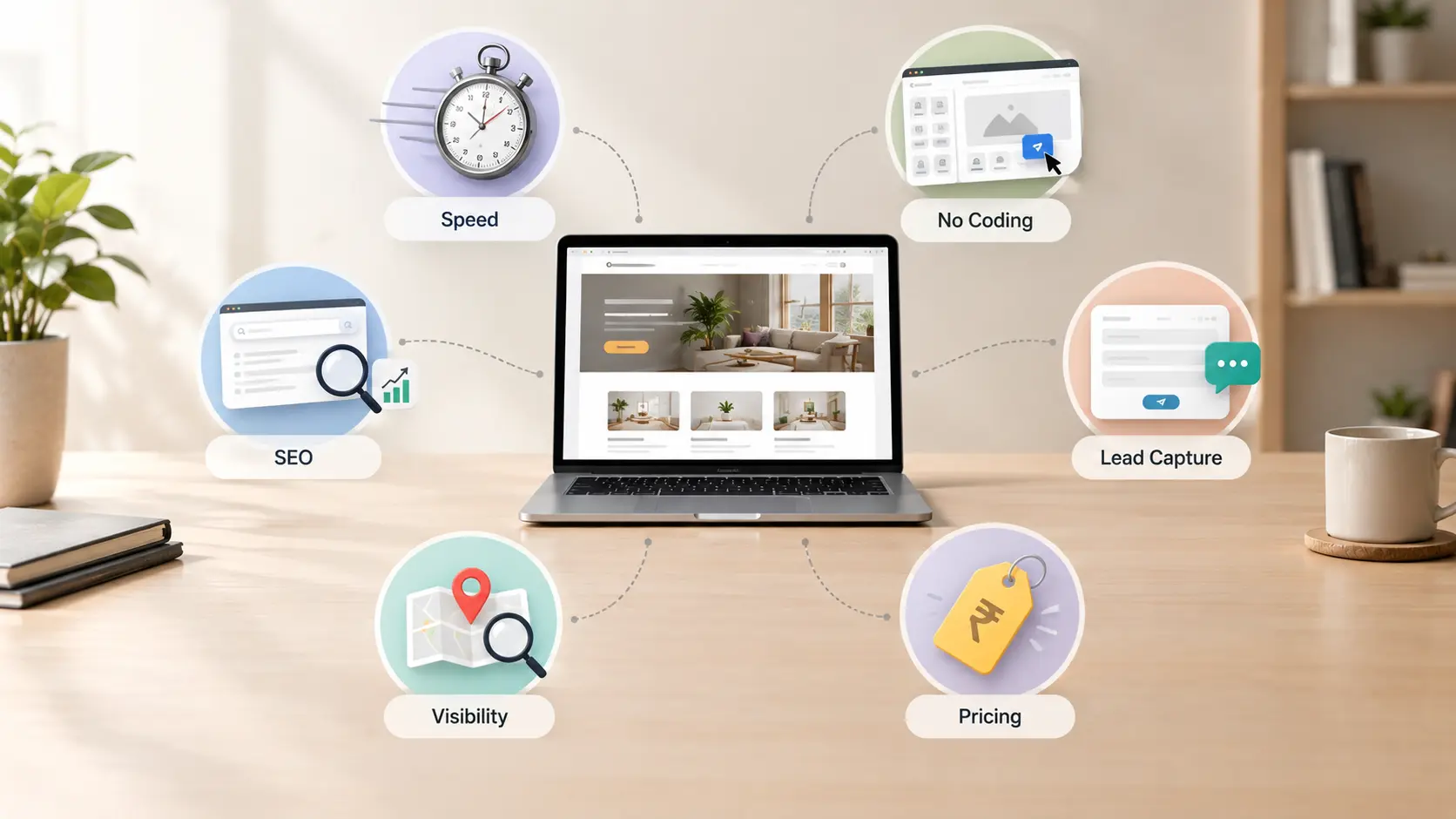
1 Speed of setup
If you’re a local vendor or service provider, you don’t have hours to spend dragging and dropping elements. Look for a builder that gets you from idea to a live website in minutes, not days.
2 No coding required
The best website builder for non-technical users should let you describe your business in plain language and get a working site back — no templates to fight with, no plugins to configure.
3 Built-in SEO basics
Your site should be structured correctly for search engines from day one: clean URLs, fast loading, mobile-friendly layout, and proper headings. You shouldn’t need a separate SEO expert just to be found on Google.
4 Lead capture, not just a digital brochure
A website that just sits there looking pretty isn’t doing its job. The right builder includes enquiry forms, click-to-call buttons, or booking tools that turn visitors into customers.
5 Visibility beyond your own site
Some builders now include directories or discovery features that help local searches find you, on top of your own search engine rankings. This is becoming especially valuable for local businesses competing for attention.
6 Affordable, transparent pricing
Watch for hidden costs like domain fees, hosting charges, or paid plugins that aren’t mentioned upfront. A genuinely beginner-friendly builder keeps pricing simple.
Best Website Builder for Small Businesses: Top Options Compared
Here's a quick comparison of four popular website builders to help you understand which type of platform best fits your business before looking at each option in more detail:
| Website Builder | Best For | Coding Required | Typical Setup Time |
|---|---|---|---|
| Launchday RECOMMENDED | Small businesses that want an AI-generated website quickly | No | Minutes |
| WordPress | Businesses needing maximum customization | Sometimes | Days |
| Wix | DIY website creation with drag-and-drop editing | No | Hours |
| Squarespace | Creative businesses focused on visual design | No | Hours |
While each platform has its strengths, the best choice depends on your business goals, technical experience, and how quickly you want to launch your website.
Launchday — Best for Speed and Simplicity
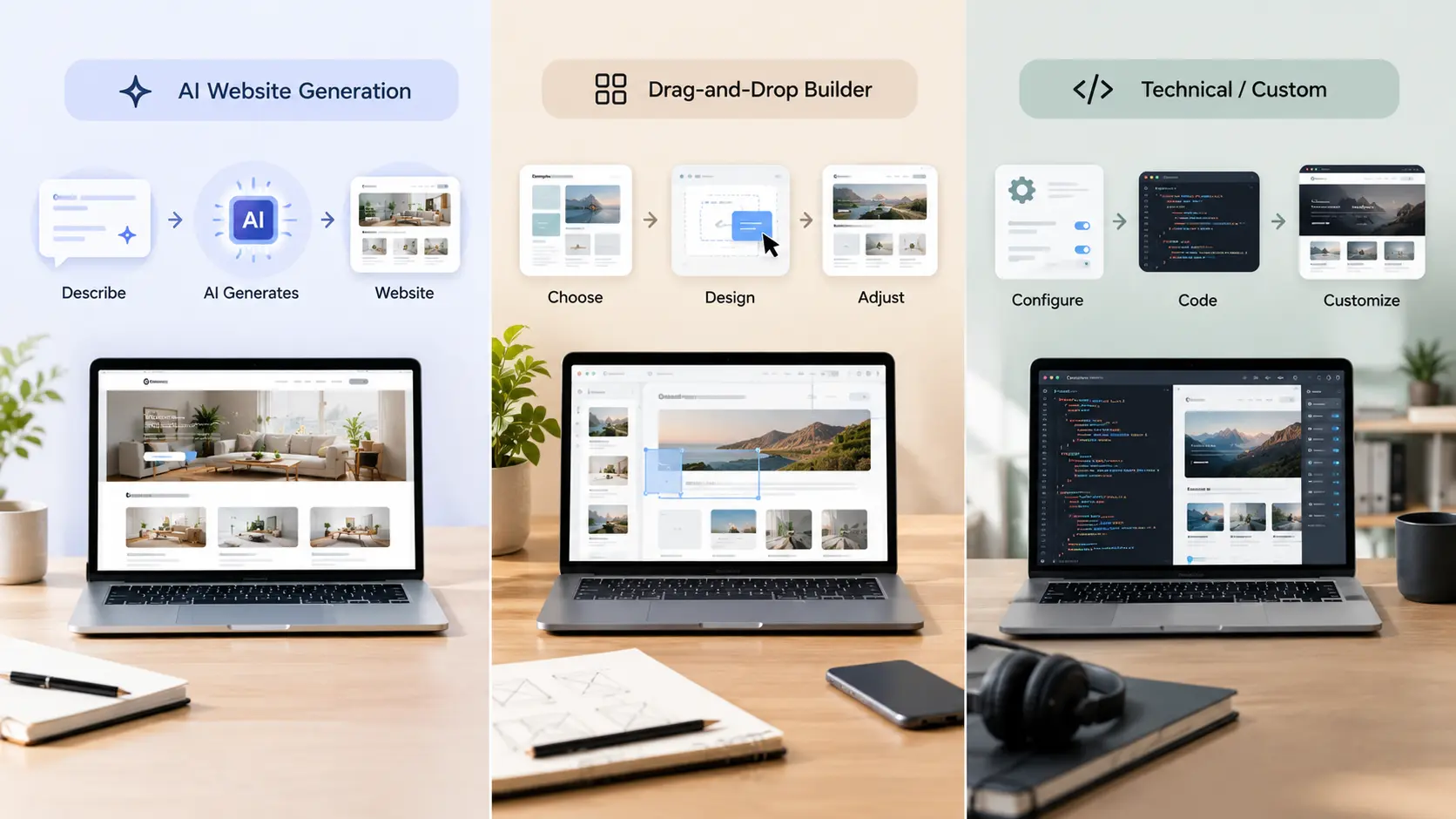
Many small business owners want a professional website but don't have the time, technical skills, or budget to build one from scratch. Launchday was designed to solve that problem by using AI to simplify the entire website creation process. Instead of starting with templates or learning complicated tools, you simply describe your business, and Launchday generates your website, content, branding elements, and key business information in minutes.
Unlike many traditional website builders that expect users to choose templates, adjust layouts, and manage technical settings, Launchday is designed around a simple idea: business owners should spend more time growing their business and less time building their website. By combining AI with an easy, guided experience, it helps users create a professional online presence without the usual complexity.
Best for: Plumbers, electricians, doctors, salons, consultants, freelancers, and any local business owner who wants a professional site without touching a single line of code.
Standout features:
- ✓ Full website generated by AI in minutes
- ✓ Built-in lead capture tools (inquiries & calls)
- ✓ SEO-optimized structure with built-in analytics
- ✓ Listed in Launchday Showcase directory
- ✓ Free domain, hosting, and SSL included
- ✓ Cancel anytime, no long-term lock-in
WordPress — Best for Maximum Customization
WordPress is one of the most flexible website-building platforms available and powers a large percentage of websites worldwide. It offers thousands of themes, plugins, and customization options, making it suitable for businesses that need advanced functionality or plan to grow a highly customized website over time.
Best for: Businesses with technical support or a dedicated person managing the website long-term.
However, WordPress usually requires more setup than all-in-one website builders. You'll need to choose hosting, manage updates, install plugins, and handle security and maintenance yourself or hire someone to do it for you.
Wix — Best for Visual Drag-and-Drop Design
Wix is popular with small businesses because of its intuitive drag-and-drop editor and large collection of professionally designed templates. It gives users plenty of creative control, making it a good choice for those who enjoy designing their own website without writing code.
Best for: Business owners who want to customize their website visually and are comfortable spending time building pages themselves.
While Wix includes useful built-in features such as blogging, booking tools, and basic SEO settings, creating a polished website still requires more hands-on work than AI-powered website builders.
Squarespace — Best for Aesthetic-First Brands
Squarespace is well known for its modern templates and polished visual design. It is often chosen by photographers, artists, restaurants, and creative businesses that want a strong visual identity with minimal design effort.
Best for: Creative professionals and brands where presentation is a major priority.
Squarespace includes built-in blogging, e-commerce, and scheduling features, but its customization options are generally more structured than WordPress, and users still need to build and organize their pages manually.
Free Website Builder vs Paid: What Small Businesses Should Know
It’s natural to start your search looking for a free website builder. But “free” usually comes with trade-offs worth knowing about upfront:
- Branding you can’t remove: Many free plans display the builder’s branding or third-party ads on your site.
- Limited features: Lead capture, SEO tools, or custom domains are often locked behind paid tiers.
- Hidden costs later: Domain names and hosting may not actually be included once you check out.
The smarter approach for most small businesses is to start with a builder that has a genuinely usable free or low-cost entry point, then upgrade only once your business needs more. Launchday, for example, lets you generate and launch your site first, with simple, transparent plans as you grow, so you’re not paying for features you don’t need yet.
How Local Vendors, Plumbers, Electricians, and Doctors Use Website Builders Differently
Not every small business needs the same kind of website, and the right small business website builder should adapt to that:
- Plumbers and electricians need fast-loading pages with click-to-call buttons, service area information, and trust signals like reviews, as customers are often searching urgently.
- Doctors and clinics need clear service listings, booking or contact options, and a professional, trustworthy design that builds confidence before a patient even calls.
- Local vendors and shop owners benefit most from visibility tools, like directory listings, that help nearby customers discover them without needing to already know the business name.
- Freelancers and consultants often need a site that doubles as a portfolio and lead generator, something simple but credible.
This is where AI-powered builders have an advantage: instead of forcing every business into the same template, the site is generated around what you actually do.
SEO and AI Visibility: What Changed for Small Business Websites in 2026
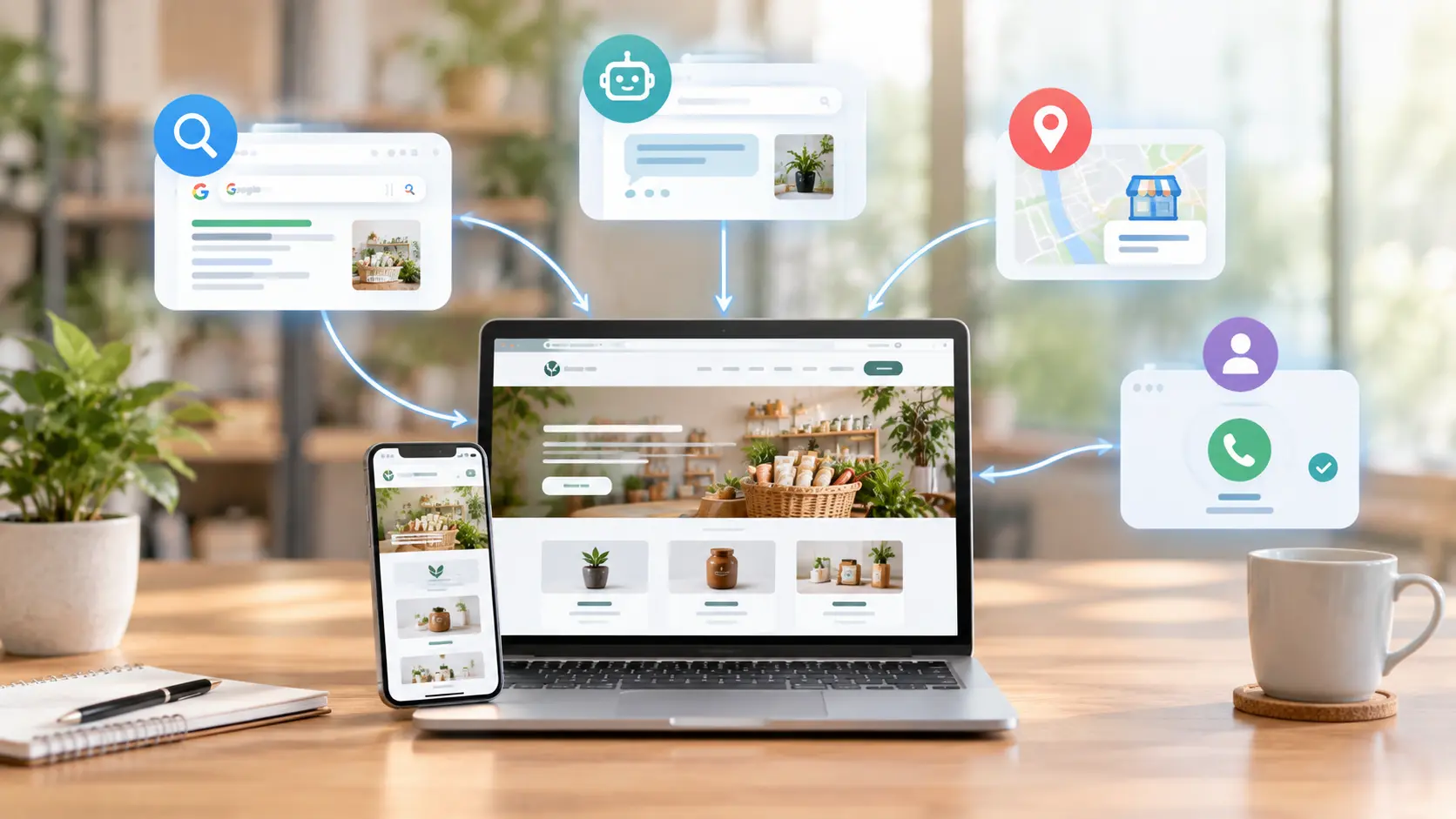
Search has changed. It’s not just about ranking on Google’s results page anymore; AI tools and chat-based search assistants are now a real source of customer discovery. This means your website builder needs to support more than traditional SEO basics.
In 2026, the websites that get found:
- Use clear, structured content that’s easy for both search engines and AI tools to read and summarize.
- Load fast on mobile, since most local searches happen on phones.
- Have accurate, consistent business information (name, services, location) across the web.
- Are listed in relevant directories, not just relying on Google search rankings alone.
A website builder for small businesses that handles SEO structure and visibility automatically saves you from needing to become an SEO expert just to be found.
Frequently Asked Questions
What is the best website builder for small businesses in 2026?
The best choice depends on your priorities. If speed and simplicity matter most, an AI-powered builder like Launchday gets you live in minutes. If you want full design control and don’t mind a learning curve, WordPress or Wix may suit you better.
Is there a truly free website builder for small businesses?
Some builders offer free plans, but most come with limitations like builder branding or restricted features. Look for a builder with a usable free starting point and clear, simple upgrade pricing.
Do I need coding skills to build a website?
No. Modern website builders, especially AI-powered ones, are designed specifically for non-technical users. You describe your business, and the builder generates the site for you.
How long does it take to build a small business website?
With traditional builders, it can take days or weeks. With AI-powered builders like Launchday, you can go from idea to a live, professional website in minutes.
Can a website builder help my business get found on Google?
Yes, but only if it includes proper SEO structure, fast loading speed, and mobile optimization. Some builders also include discovery directories that help customers find you beyond search engines.
Which website builder is easiest for beginners?
For most first-time website owners, AI-powered website builders are the easiest option because they automate much of the setup process. Traditional platforms like WordPress provide greater flexibility but usually require more time, technical knowledge, and ongoing maintenance.
Final Thoughts: Choosing What’s Right for Your Business
There’s no single “best” website builder for every business; there’s only the best one for your business right now. If you want full creative control and have time to invest, WordPress or Wix are solid choices. If you want a professional, SEO-ready website live in minutes, without touching design or code, an AI-powered builder built for small businesses is the faster, simpler path.
For local vendors, plumbers, electricians, doctors, and small business owners who just want to look professional online and start getting found, that simplicity is exactly the point.
Choosing the right website builder isn't just about launching a website; it's about creating an online presence that helps customers discover, trust, and contact your business. If you're looking for a simple way to build a professional website without coding, AI-powered platforms like Launchday can help you get online quickly while giving you the tools to grow over time.