
You can choose a template, add content, customize the design, connect a domain, test the website, and publish it. This approach works well for business websites, portfolios, blogs, landing pages, and other standard websites.
Key Takeaways
You can build many standard websites without writing code.
No-code builders handle much of the technical setup.
Start with your website's purpose and required pages.
Choose a template based on structure, not appearance alone.
Keep navigation and calls to action clear.
Always test the website before publishing.
Review the mobile version carefully.
Complex features may require custom development or specialized tools.
What Does Building a Website Without Coding Mean?
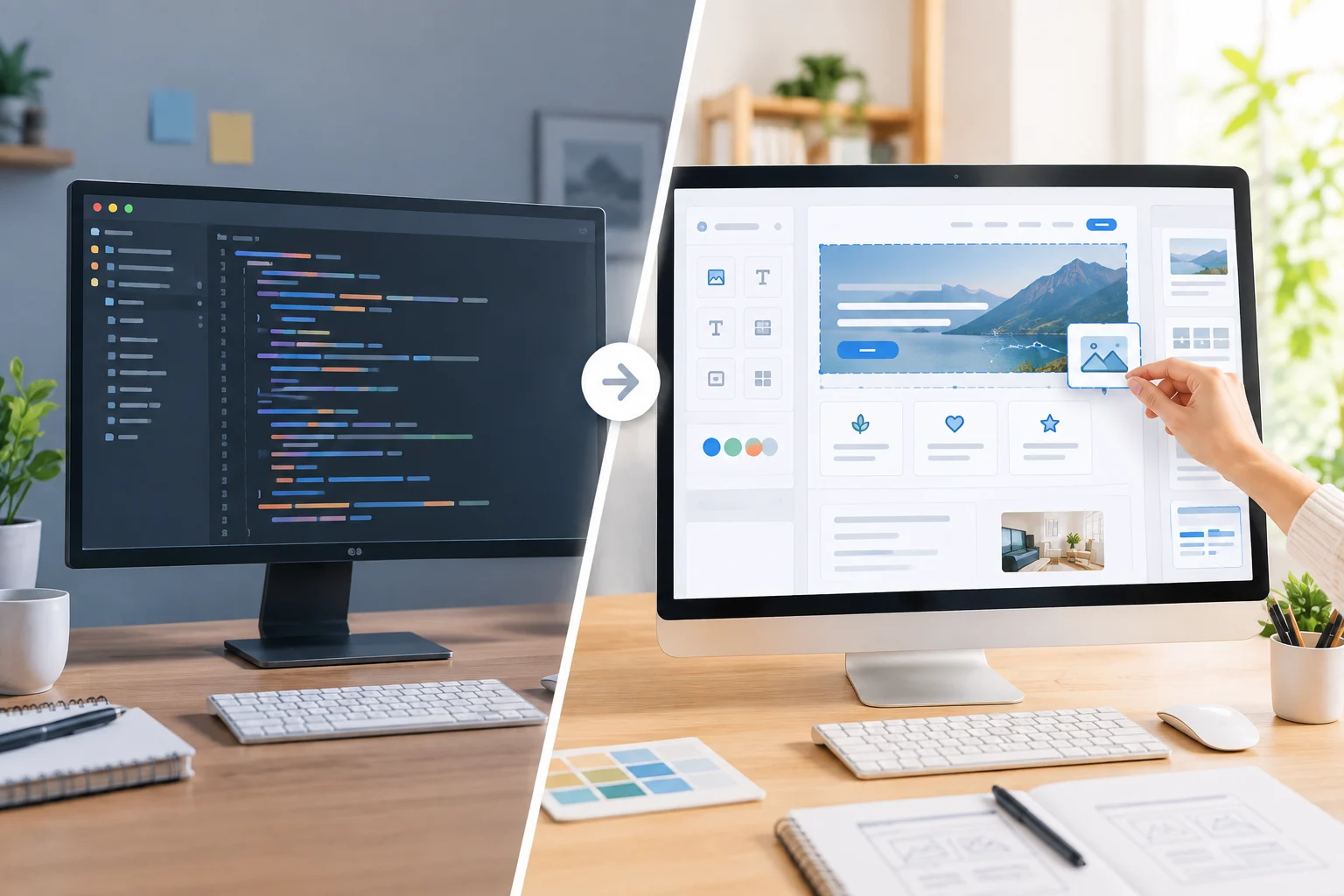
Building a website without coding means creating pages through visual tools instead of writing code manually.
A no-code website builder provides templates, page editors, and ready-made website elements. You can change text, images, colors, sections, and layouts through the editor.
You do not need to write HTML, CSS, or JavaScript for standard website creation.
However, you still need to plan your content, pages, navigation, and website structure. The builder handles much of the technical setup while you control the website's content and presentation.
What Do You Need Before Building a Website?
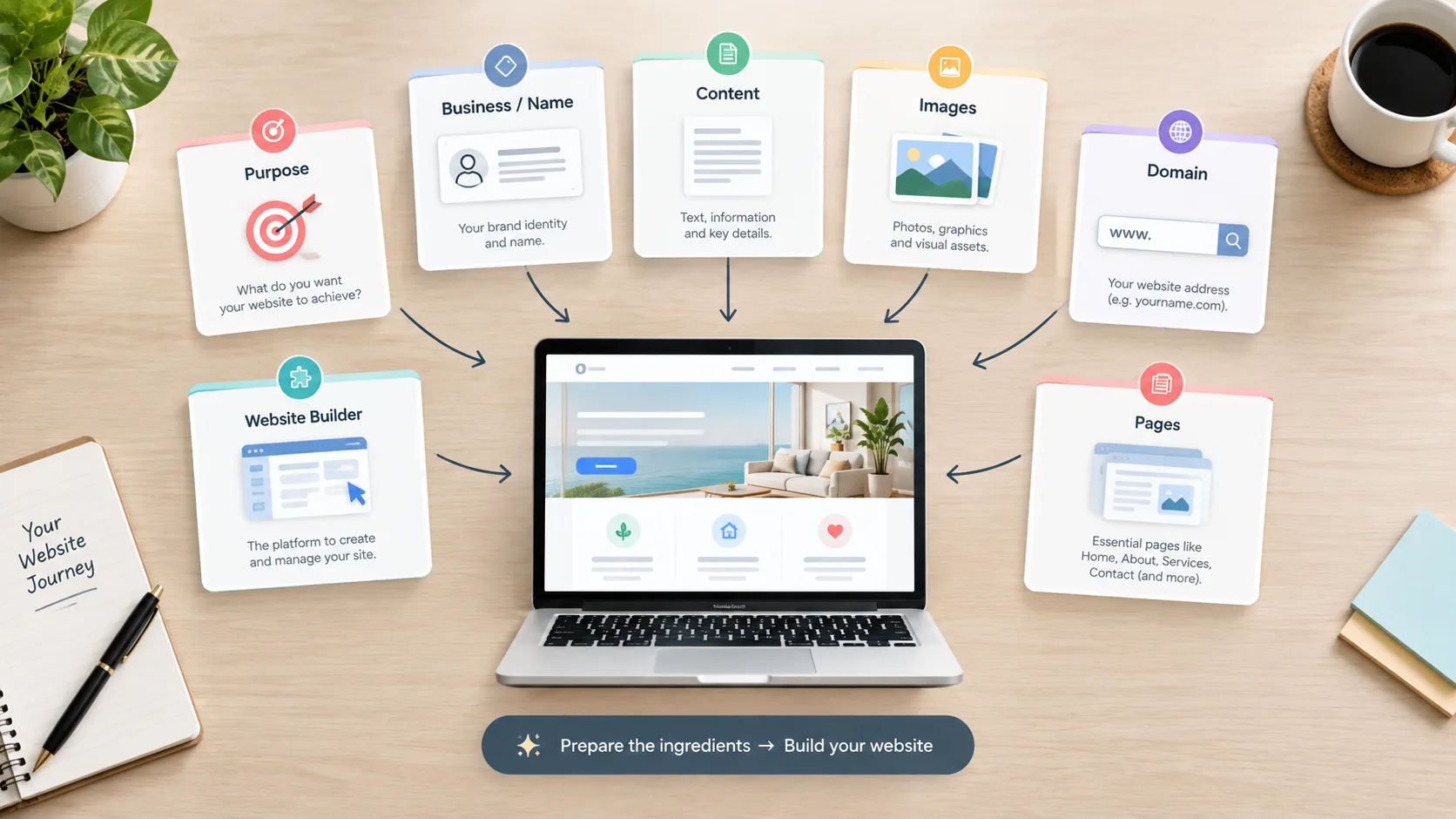
Prepare the basic website requirements before opening a website builder.
You typically need:
A clear website purpose
A website or business name
Basic website content
Images or other visual assets
A domain name
A website builder
A list of essential pages
For a small business, essential pages often include Home, About, Services, and Contact.
Your exact pages should match your business and customer journey. Avoid adding pages simply because other websites have them.
How to Build a Website Without Coding
Follow these steps to create a website without writing code.
1. Define Your Website's Purpose
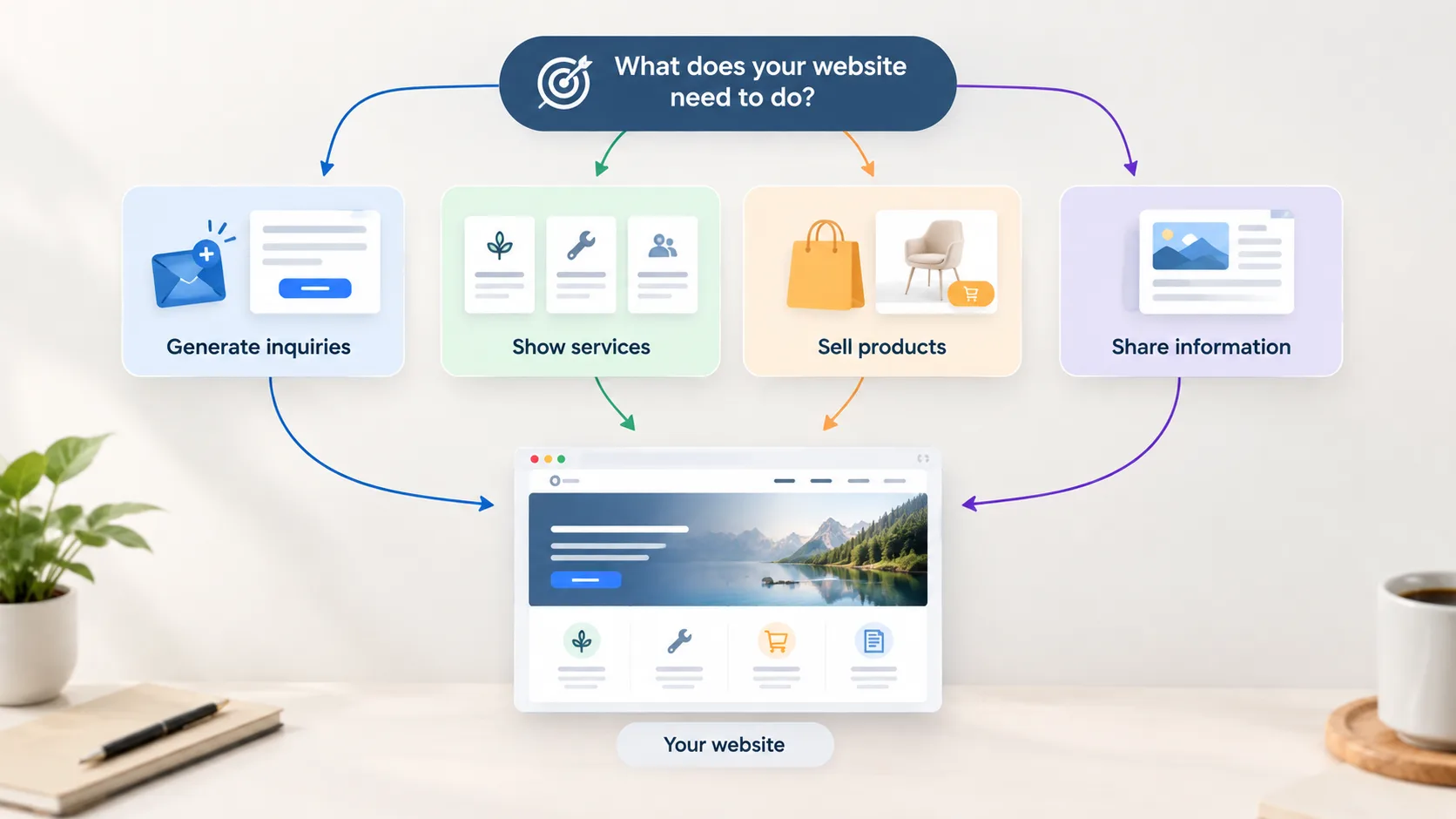
Start by deciding what the website needs to achieve.
Your goal could be generating inquiries, displaying services, selling products, or sharing information.
This decision affects your page structure and calls to action.
For example, a service business may need prominent contact and inquiry options. A portfolio may need stronger project presentation.
Keep the primary goal clear throughout the website.
2. Choose a No-Code Website Builder
Next, choose a no-code website builder that supports visual editing.
Look for features that match your requirements. These may include templates, drag-and-drop editing, responsive design, domain support, forms, and basic SEO controls.
Also check whether the platform lets you customize your website beyond its default template.
You should choose based on your website's actual requirements. Avoid selecting a platform only because it offers the largest feature list.
3. Select a Suitable Template
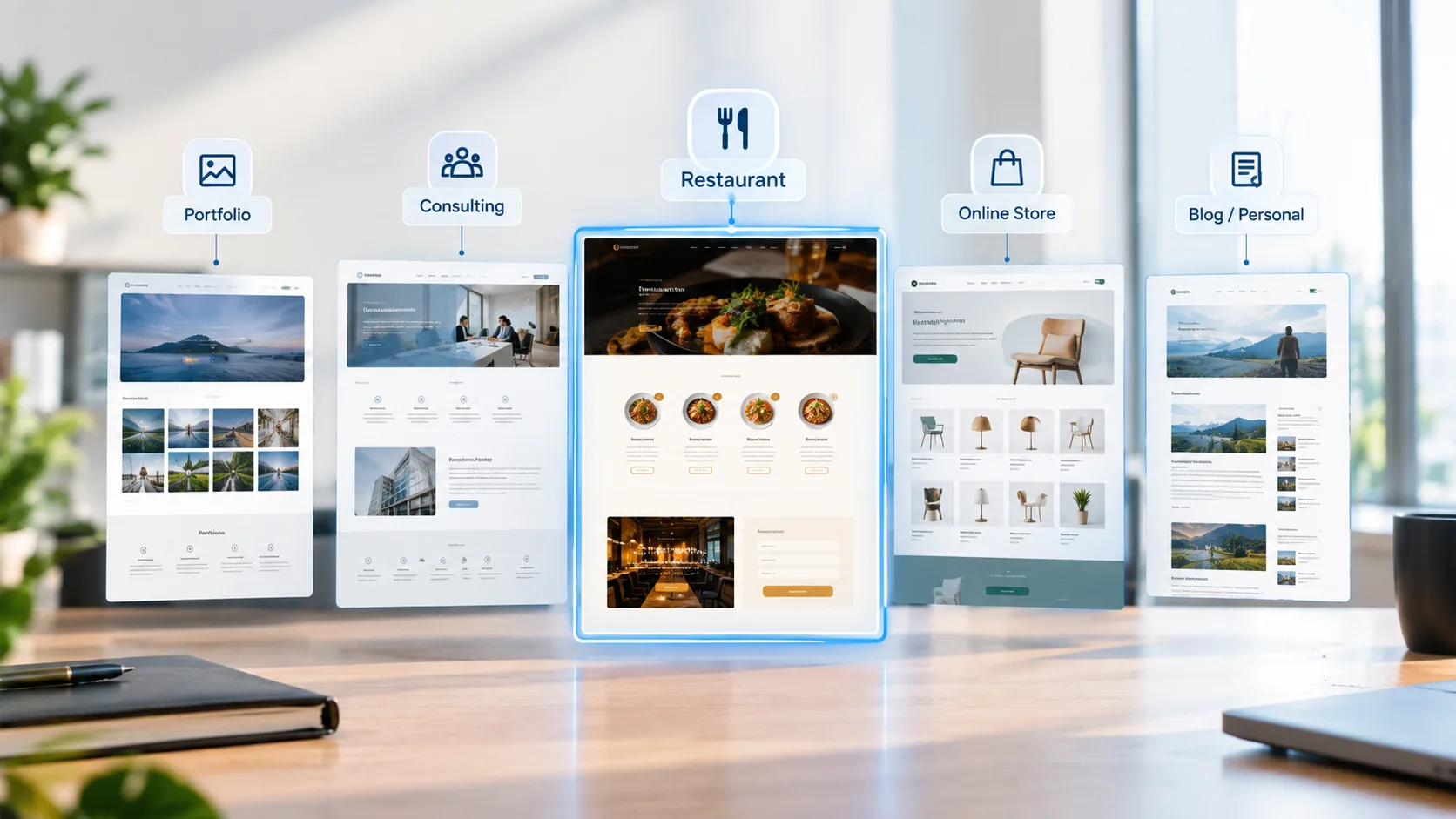
Choose a template that matches your website's purpose.
For example, a restaurant needs a different structure from a consulting business.
Select the closest layout instead of choosing a template only for its appearance. A suitable structure can reduce the amount of customization needed later.
Then replace the default content with your own information.
4. Create Your Main Pages
Build the essential pages around your visitors' needs.
Start with the homepage. It should quickly explain what you offer and who you serve.
Then create supporting pages for important information.
For many businesses, this structure works well:
Home → Services → About → Contact
Add other pages only when they provide useful information.
Keep navigation simple. Visitors should reach important information without unnecessary clicks.
5. Customize the Website Design
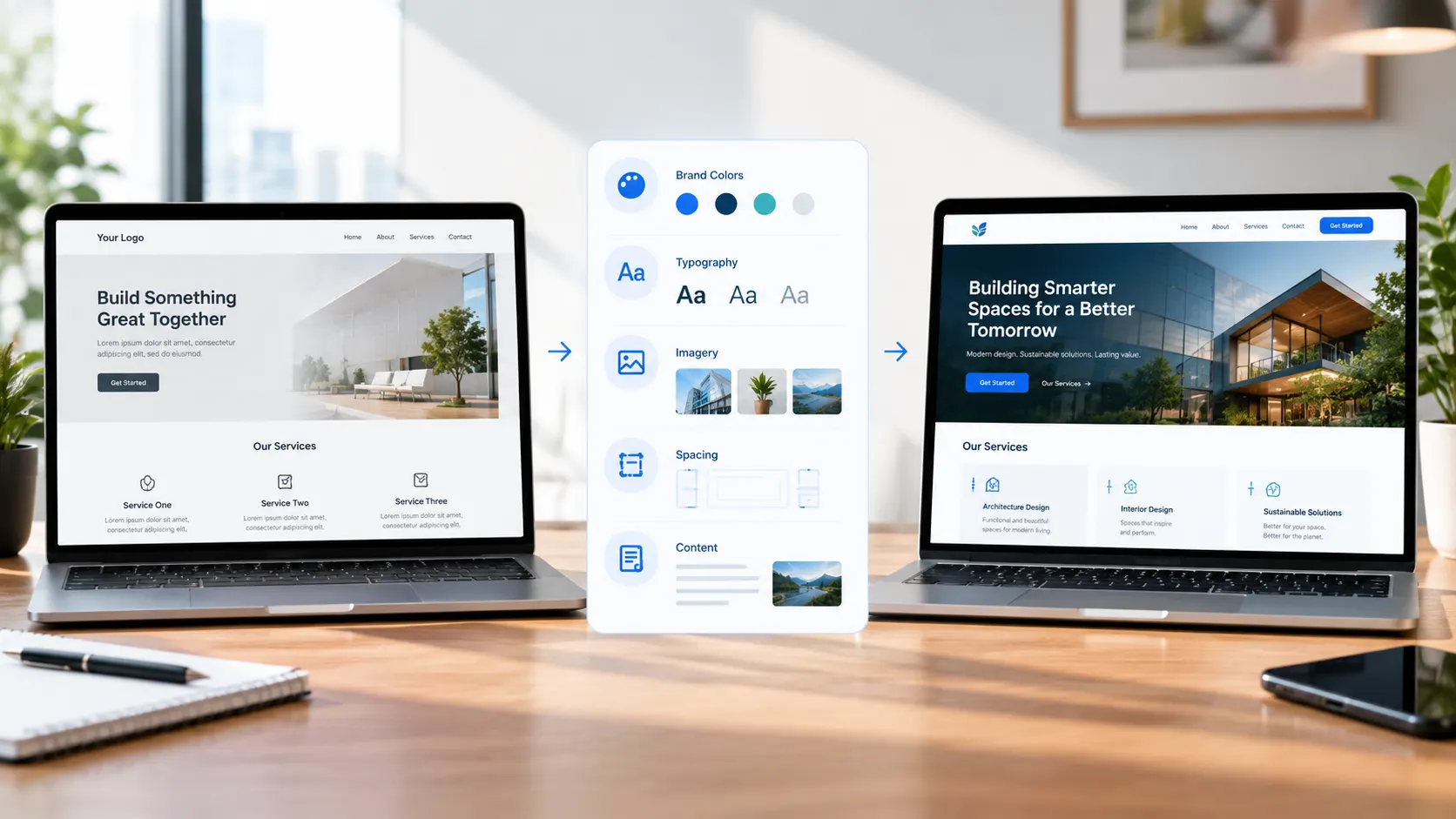
Now adapt the template to your brand and content.
Change the colors, fonts, images, spacing, and page sections as needed.
Keep the design consistent across pages. Use the same visual hierarchy for headings, buttons, and important information.
Avoid adding too many animations or decorative elements. They can distract visitors from the main action.
Use clear headings, short paragraphs, and enough spacing for easy scanning.
6. Add Clear Calls to Action
Every important page should guide visitors toward a useful next step.
Depending on your website, this could be:
Contact us
Request a quote
Book a consultation
View services
Buy now
Get started
Make the action clear and relevant to the page.
Do not place several competing calls to action in the same section.
7. Connect Your Domain
A domain gives your website a dedicated web address.
If you already own a domain, connect it through your website builder's domain settings.
Follow the builder's instructions to update the required domain settings.
Choose a domain that is easy to remember and closely related to your business or website name.
8. Check the Mobile Version
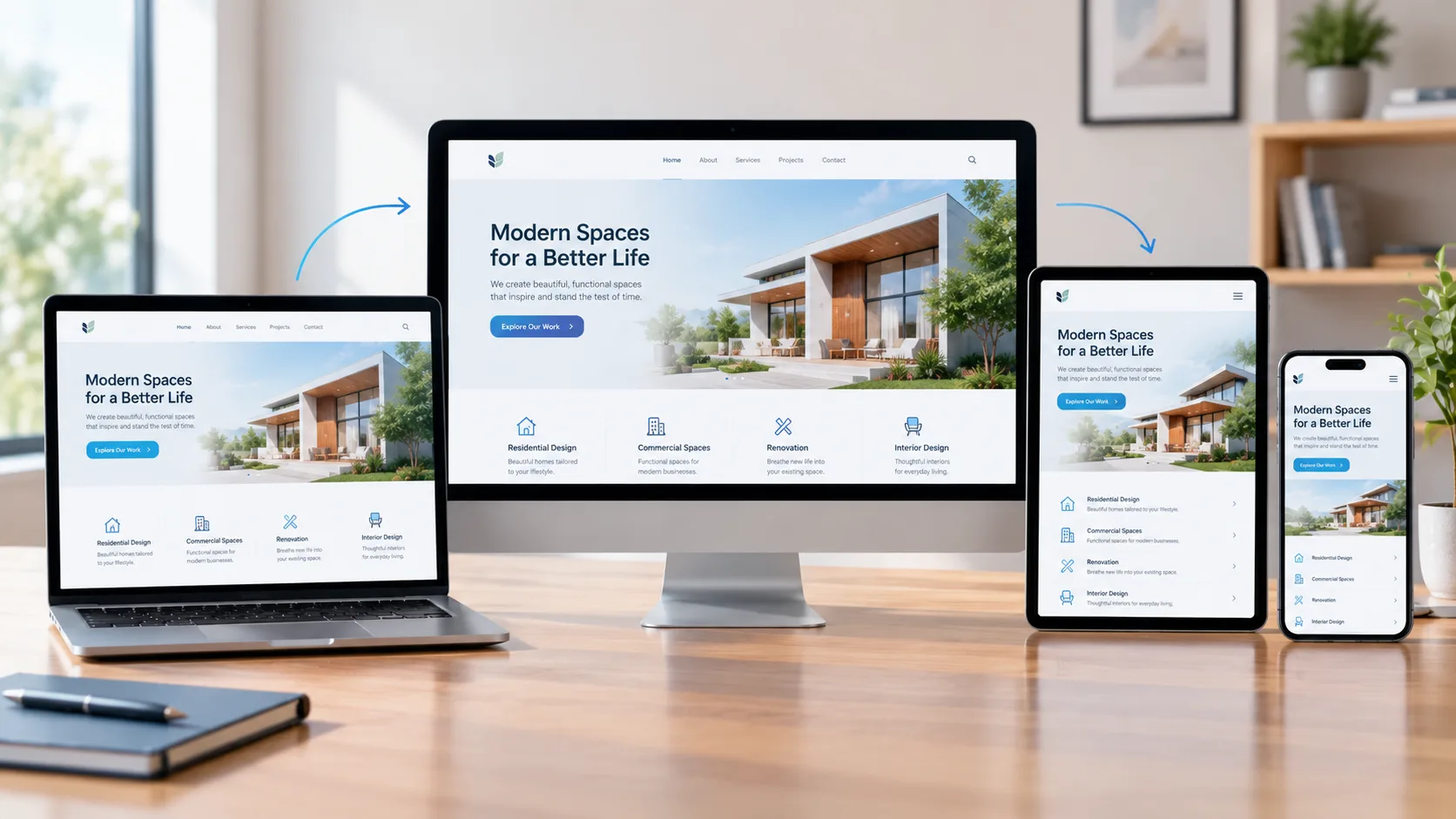
Your website should work well on smaller screens.
Open each important page in the builder's mobile preview. Check headings, images, buttons, forms, and spacing.
Pay particular attention to navigation and calls to action.
A page that looks good on desktop may still need adjustments for mobile screens.
9. Test Everything Before Publishing
Do not publish immediately after finishing the design.
Test the important visitor paths first.
Check that:
Navigation links work
Buttons lead to the correct pages
Contact forms submit correctly
Images load properly
Text contains no obvious errors
Pages display correctly on mobile
Your domain works correctly
Testing helps catch problems that visual editing alone may not reveal.
10. Publish and Keep Improving
Once everything works, publish the website.
However, review the site after launch. Update outdated information, fix broken elements, and improve unclear content when needed.
What Can You Build Without Coding?
No-code website builders can support many standard website types.
You can create:
Website Type | Typical Purpose |
|---|---|
Business website | Present services and generate inquiries |
Landing page | Showcase work and projects |
Service website | Share professional or personal information |
Portfolio | Publish articles and educational content |
Personal website | Support a specific campaign or offer |
Blog | Explain services and capture leads |
Basic online store | Display and sell products |
Complex applications can require custom functionality, databases, integrations, or specialized workflows. Those requirements may need custom development.
No-Code Website Building vs Coding
The main difference is how you create and control the website.
No-Code | Traditional Coding |
|---|---|
Uses visual editing tools | Uses programming languages |
Often faster for standard websites | Better suited to highly custom requirements |
Requires less technical knowledge | Requires development skills |
Uses existing components | Allows deeper customization |
Suitable for many standard websites | Better suited to complex applications |
For a standard business website, no-code can remove much of the technical complexity.
For specialized functionality, custom development may offer greater flexibility.
The right approach depends on what your website needs to do.
Common Mistakes to Avoid
Building without coding does not guarantee a good website.
Avoid these common mistakes:
Choosing a Template Before Defining the Goal
Start with your website's purpose and audience.
Using Default Content
Replace placeholder text and images with relevant information.
Overloading the Homepage
Keep the most important information easy to find.
Ignoring Mobile Users
Always review the mobile version before publishing.
Adding Unnecessary Features
Every feature should serve a clear purpose.
Skipping Testing
Check forms, links, navigation, and important pages before launch.
Conclusion: Build Your Website Without Writing Code
Building a website no longer requires coding skills. With the right no-code website builder, you can create a professional website, customize its design, add essential pages, and publish it online.
The key is to focus on what your visitors need. Clear navigation, useful content, mobile-friendly design, and working features matter more than unnecessary complexity.
Ready to Build Your Website Without Coding?
With Launchday.ai, you can turn your business information into a professional website using AI. Simply describe your business, let AI generate your website's content and design, and customize it to match your needs.
Get started for free with Launchday.ai
FAQs
Can I build a website without coding skills?
Yes. No-code website builders let you create many standard websites without writing code.
Is a no-code website builder good for a small business?
Yes. It can support business websites with pages, forms, service information, and clear calls to action.
Can I build a professional website without coding?
Yes. Professional results depend on the website's structure, content, design, usability, and functionality.
Do I need hosting to build a website without coding?
You need hosting for a live website. Many website builders include hosting with their plans.
Can I add my own domain to a no-code website?
Yes. Many website builders allow you to connect a domain you already own.