
Key Takeaways
Define your website's purpose before choosing a builder.
Choose features based on your website's actual needs.
Use a simple, mobile-friendly design.
Create the pages visitors need.
Apply basic SEO before launch.
Test your website and forms before publishing.
The goal is not to build the most complicated website. It is to build one that works well for visitors and supports its purpose.
Building your first website can feel complicated when you have no technical experience. A website builder can simplify the process by providing templates, visual editing tools, hosting, and other essential features in one platform.
You can create a professional website without advanced coding knowledge. However, choosing the right builder and knowing what to build first still matters.
This guide explains how beginners can choose a website builder, build their first website, and prepare it for launch in 2026.
What Is a Website Builder?
A website builder is a platform that lets you create and manage a website using visual tools. Most builders provide templates, page editors, hosting options, domain connections, and basic SEO features.
You do not need advanced programming knowledge to get started.
Website Builder vs. Coding
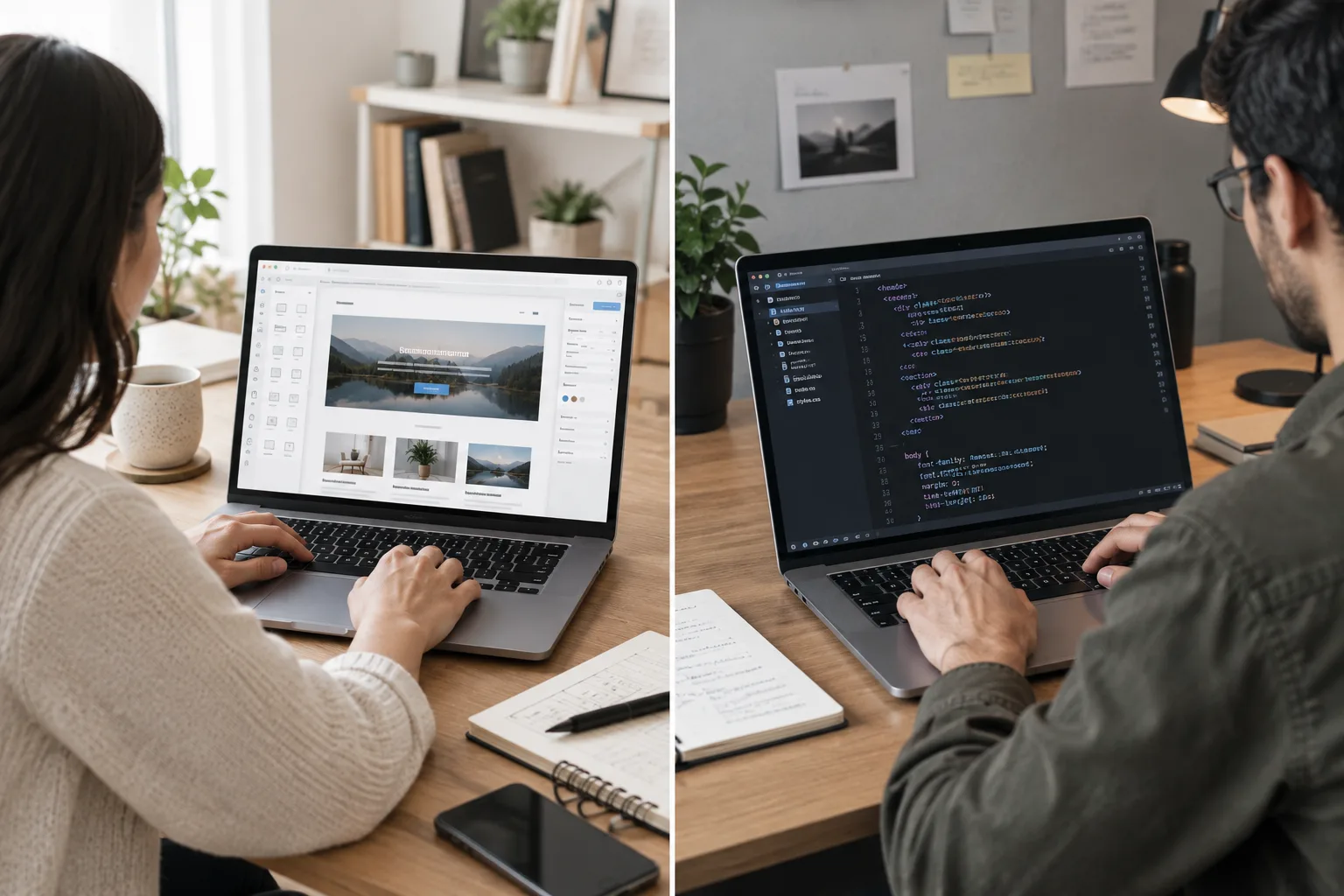
Website Builder | Building From Scratch |
|---|---|
Beginner-friendly | Requires technical knowledge |
Uses visual editing tools | Requires coding |
Faster to launch | Usually takes longer |
Templates are available | Design starts from scratch |
Less technical maintenance | More technical maintenanc |
For a first website, a builder can reduce the technical work significantly.
What Should Beginners Look For?
Choosing a website builder becomes easier when you know which features matter.
Focus on these areas rather than chasing every available feature.
Feature | Why It Matters |
|---|---|
Easy editor | Makes website creation simpler |
Mobile responsiveness | Helps the site work across devices |
SEO controls | Supports search visibility |
Templates | Provides a starting design |
Custom domain | Gives the website a professional address |
Performance | Helps provide a better user experience |
Security | Protects the website and visitors |
Scalability | Allows the site to grow later |
Also consider the builder's pricing, support, integrations, and available features. You should not pay for capabilities you will never use.
Also check whether the platform makes it easy to expand or move your website later.
How to Build Your First Website
You can simplify the process into seven practical steps.
1. Define Your Website's Purpose
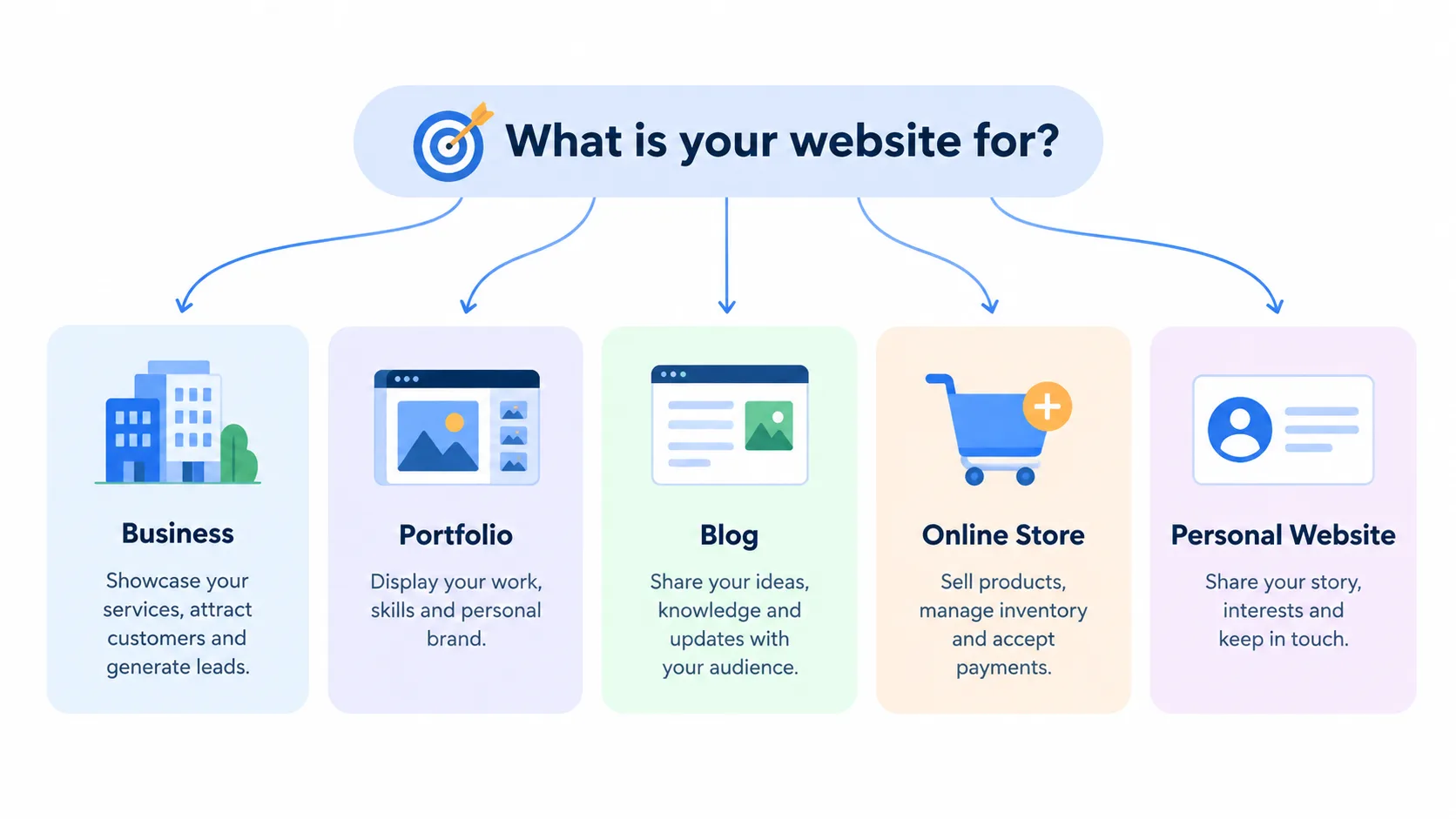
Start with one clear question:
What should this website accomplish?
Your goal could be to:
Promote a business
Showcase your work
Generate leads
Sell products
Publish content
Build a professional presence
Your goal will influence the pages, content, design, and features you need.
2. Choose a Website Builder
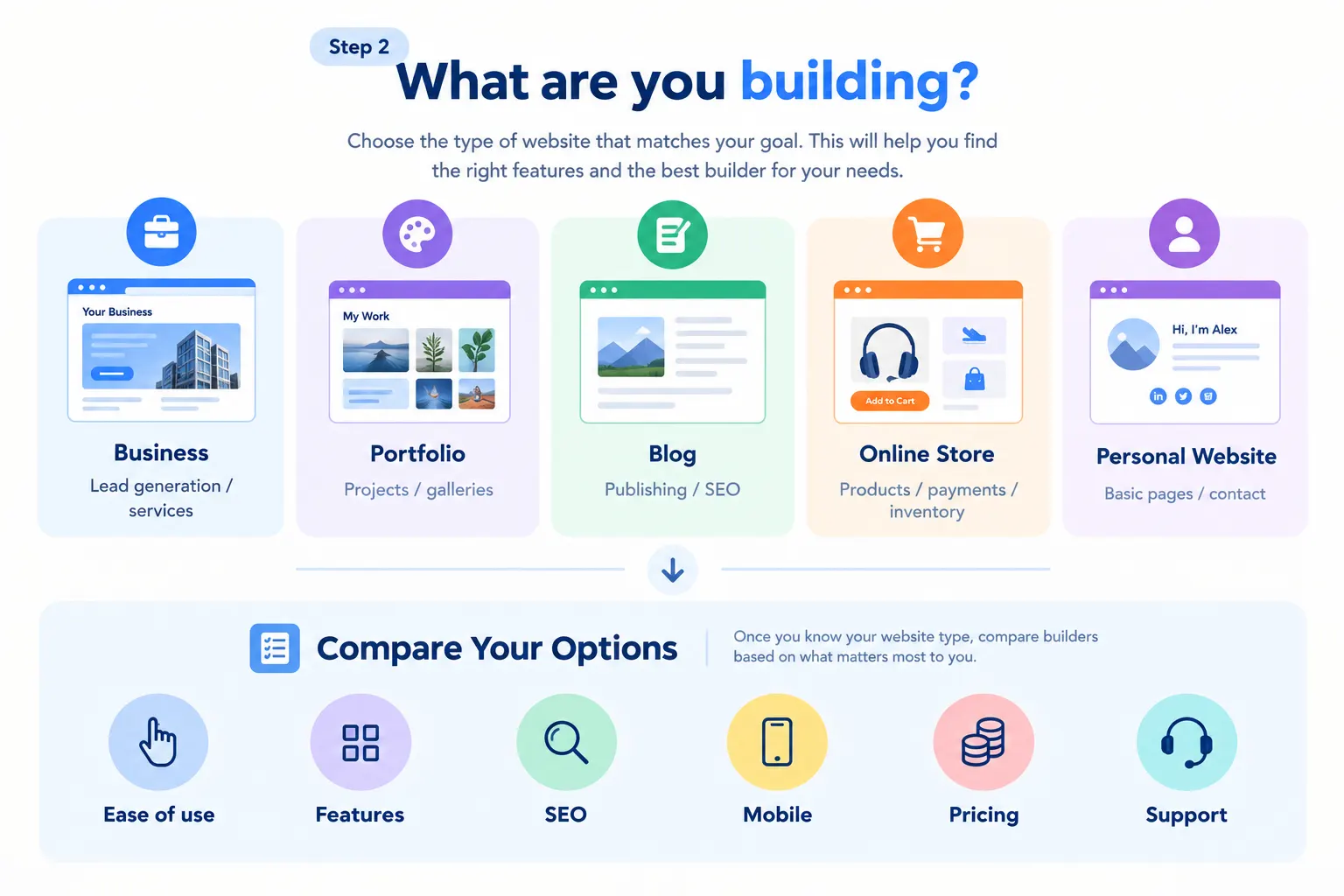
Compare builders based on your actual requirements.
Website Type | Common Needs |
|---|---|
Business website | Services, contact forms, lead generation |
Portfolio | Project galleries, personal branding |
Blog | Publishing tools, categories, SEO |
Online store | Products, payments, inventor |
Personal website | About page, contact information, basic content |
Your website type should determine the features you prioritize. For example, a portfolio site may need fewer features than an online store.
If you're building a business website, decide what action you want visitors to take. This could be contacting you, requesting a quote, booking a call, or making a purchase.
Consider:
Ease of use
Design flexibility
SEO features
Mobile support
Pricing
Domain options
Business features
Customer support
Avoid choosing a platform simply because it appears popular.
3. Choose a Domain Name
Your domain is your website's address. Keep it short, memorable, and relevant to your brand.
For example, yourbrand.com
Avoid complicated spellings, unnecessary numbers, and long domain names when possible. A custom domain also helps create a more professional online presence.
4. Select a Template and Customize It
Templates can help beginners avoid starting from a blank page. Choose a layout that matches your website's purpose.
Then customize:
Colors
Fonts
Images
Navigation
Buttons
Page sections
Brand elements
Do not overload the design.
A simple layout usually makes information easier to find.
5. Create the Essential Pages
Your first website does not need dozens of pages. Start with the pages visitors actually need.
Page | Purpose |
|---|---|
Home | Introduces your website and main offering |
About | Explains who you are |
Services/Products | Explains what you offer |
Contact | Gives visitors a way to reach you |
Blog | Publishes useful content and can support organic visibility |
The exact structure will depend on your website's purpose.
For business websites, place a clear call to action on relevant pages. Examples include "Get a Quote," "Book a Call," "Contact Us," or "Buy Now."
6. Optimize for Search and Mobile
SEO should not be an afterthought.
At minimum, optimize your important pages with:
Clear page titles
Relevant headings
Helpful content
Meta descriptions
Descriptive URLs
Image alt text
Internal links
Mobile-friendly layouts
Also check how your website looks and functions on smartphones and tablets. A mobile-friendly experience helps visitors navigate, read content, and complete important actions easily.
7. Test Before You Publish
Do not publish immediately after finishing the design. Test the website first.
Beginner Website Launch Checklist
Check | Done |
|---|---|
All pages work | |
Navigation works | |
Contact forms work | |
Website works on mobile | |
Images load correctl | |
Links work | |
Page titles are optimized | |
Domain works correctly | |
Important information is accurat |
A short testing process can prevent simple problems from reaching visitors.
Common Website Builder Mistakes Beginners Make
Beginners often focus too much on design and not enough on usability.
Avoid these mistakes:
Choosing Too Many Features
More features can make a website harder to manage.
Start with what your website actually needs.
Using Too Much Content
Important information can get lost when pages contain large blocks of unnecessary text.
Keep important information easy to scan.
Ignoring Mobile Users
A website that looks good on a desktop can still perform poorly on mobile.
Always test both experiences.
Forgetting SEO Basics
A visually attractive website still needs useful, search-friendly content.
Set up basic SEO before launch.
Making the Website Difficult to Navigate
Visitors should quickly find your main pages.
Keep navigation simple and consistent.
Final Thoughts: Start Building Your First Website
Building your first website doesn't have to be complicated. With the right website builder, you can create a professional online presence without coding or design experience.
Start with a clear purpose, focus on essential features, and build a website that is easy to navigate, mobile-friendly, and ready to grow with your needs.
Your first website is just a few steps away. Why wait?
Stop letting technical challenges hold you back. With Launchday.ai, you can turn your ideas into a professional website using AI, without writing a single line of code.
Start Building Your Website with Launchday.ai Today
FAQs About Website Builders for Beginners
What is the easiest website builder for beginners?
The easiest website builder depends on your needs. Look for an intuitive editor, templates, mobile responsiveness, SEO controls, and reliable support.
Can I build a website without coding?
Yes. Modern website builders let beginners create websites using visual editors and pre-designed templates.
How long does it take to build a first website?
A simple website can often be created within a few days. The timeline depends on its number of pages, content, design, and required features.
Do I need to buy a domain for my website?
A custom domain is recommended for a professional website. Some builders also provide temporary or platform-based addresses.
Can I change my website builder later?
Yes, but moving a website can require transferring content, domain settings, design elements, and other data. Choosing a suitable platform from the start can make future changes easier.
Can beginners optimize a website for SEO?
Yes. Beginners can handle basic SEO tasks such as optimizing titles, headings, URLs, content, images, and internal links.
Should I use a website builder or hire a developer?
A website builder can work well for a simple first website. More complex requirements may require professional development.