Key Takeaways
Free website builders work well for simple websites and testing ideas.
Paid website builders provide more control and business-focused features.
Free plans often limit domains, branding, storage, or customization.
Paid plans can support businesses that need additional flexibility.
Compare features, limitations, pricing, and future needs before choosing.
Free Website Builder vs Paid Website Builder
The main difference is the level of control and functionality you get. Free website builders provide core tools for creating basic websites. Paid plans often add features for customization, branding, SEO, integrations, and business needs.
Free plans let you create and publish a website without paying for a subscription. However, they may restrict domains, storage, branding, or functionality. Paid plans generally provide more flexibility. But paying more doesn't automatically make a website builder better.
Your choice should depend on your website goals and required features.
What Is a Free Website Builder?
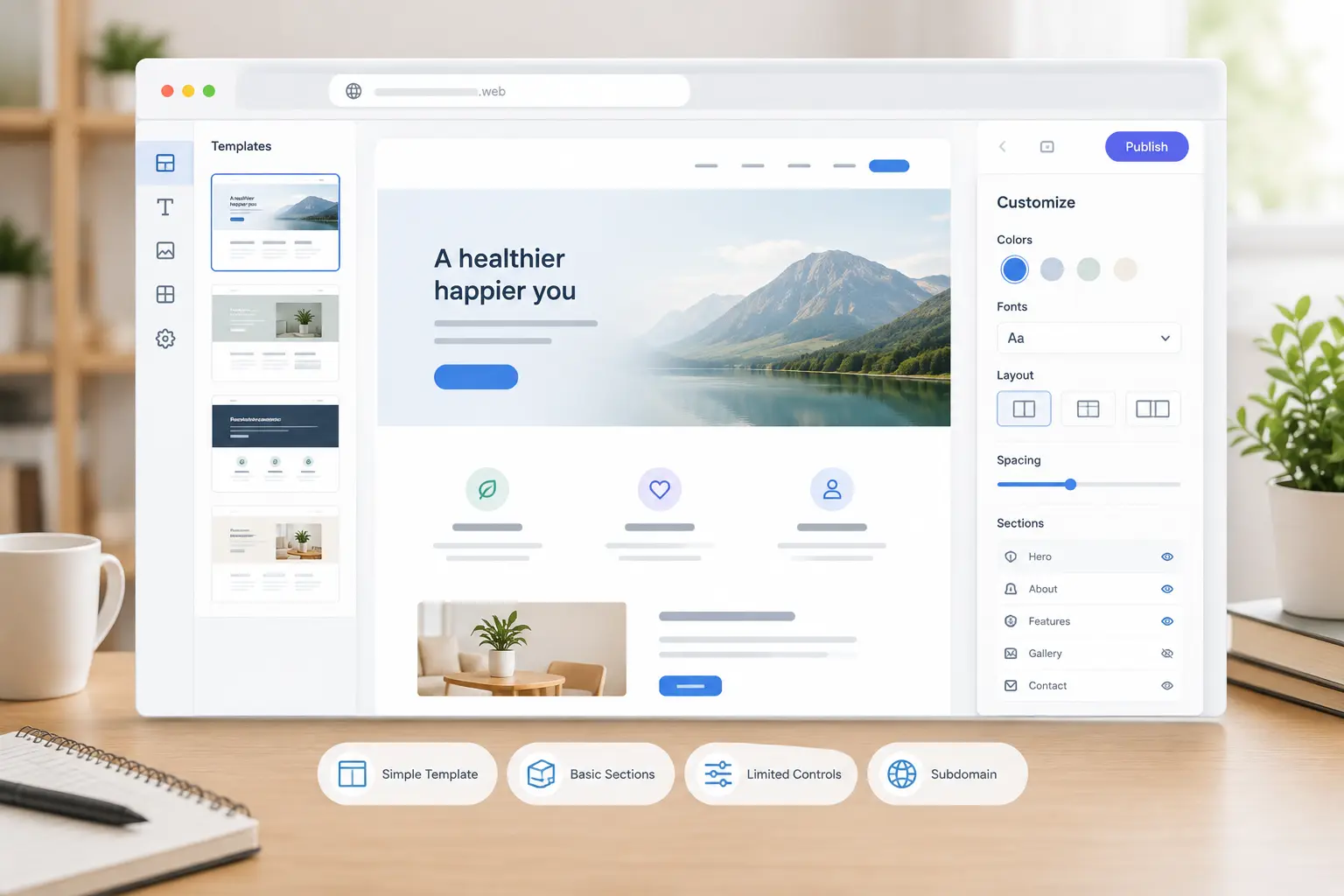
A free website builder lets you create a website without paying for the builder plan. Most free platforms provide templates, hosting, basic editing tools, and simple publishing options.
However, free plans often include limitations.
Common restrictions can include:
A platform-branded subdomain
Builder branding on your website
Limited storage
Fewer templates or customization options
Limited SEO features
Restricted integrations
Limited business or ecommerce functionality
A free website builder can still work well for simple projects.
For example, you might use one to test a business idea or create a temporary website. It can also help beginners understand how website builders work before paying for additional features.
What Is a Paid Website Builder?
A paid website builder provides website-building tools through a subscription or other paid plan. Depending on the platform, the plan may include hosting, a custom domain connection, templates, SEO tools, analytics, integrations, and additional storage.
Paid plans also tend to provide more customization options. For businesses, these features can support branding, lead generation, customer communication, and other website goals.
Some website builders also use artificial intelligence to simplify website creation. Learn how an AI website builder can help you build a professional website with fewer manual steps.
However, paid does not automatically mean better.
You should still compare the features, limitations, pricing, and support before choosing a platform.
Free vs Paid Website Builder: Key Differences
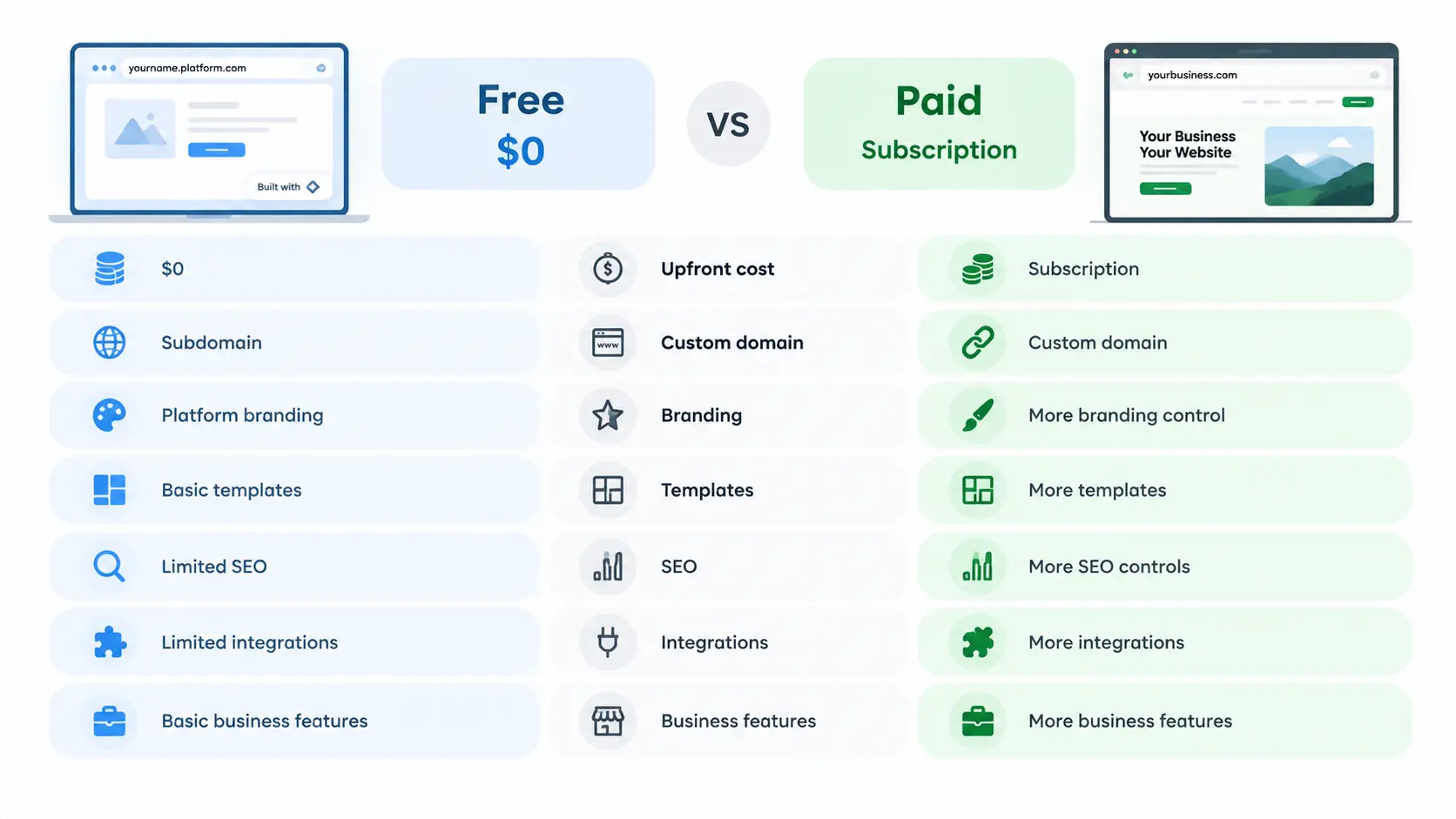
Feature | Free Website Builder | Paid Website Builder |
Upfront cost | Usually $0 | Requires a subscription |
Custom domain | Often unavailable or limited | Usually available |
Platform branding | Common | Usually reduced or removed |
Templates | Basic selection | More options |
Customization | Limited | More flexibility |
Storage | Often limited | Higher limits |
SEO controls | Basic or limited | Usually more control |
Integrations | Limited | More options |
Ecommerce | Often restricted | More capable plans |
Business features | Basic | More comprehensive |
Growth options | Often limited | Usually more flexible |
Support | Basic or limited | Often enhanced |
The exact features vary by provider and plan. Always check the current plan details before purchasing.
What Does a Free Website Actually Cost?
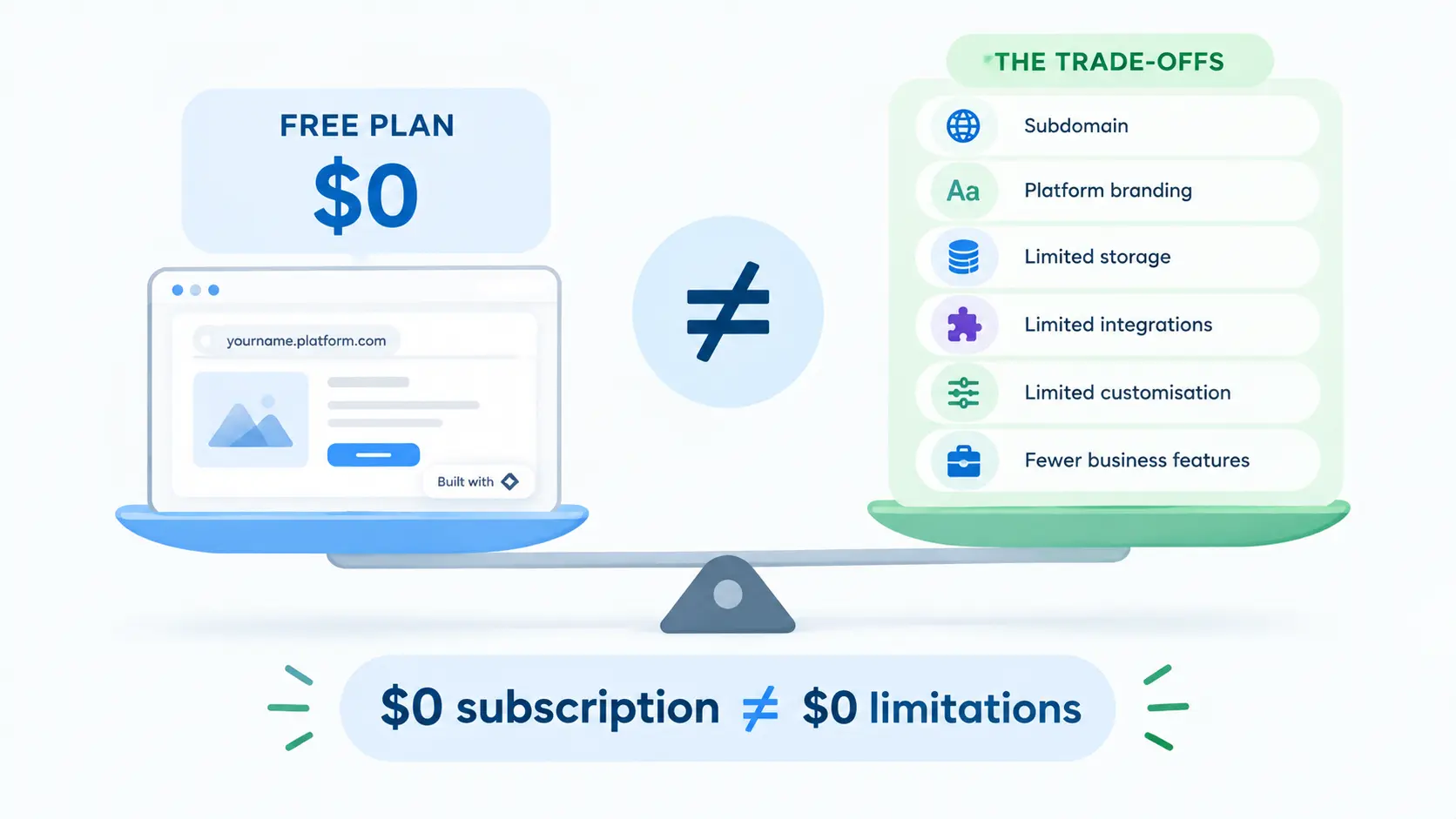
A free website builder may have no monthly subscription fee. However, “free” does not always mean cost-free in practice.
You may trade money for limitations such as:
A platform subdomain
Builder branding
Limited storage
Fewer customization options
Restricted integrations
Limited business features
Fewer design controls
These limitations may be acceptable for personal projects or experiments. However, businesses should consider whether these restrictions affect their brand or website goals.
When Should You Choose a Free Website Builder?
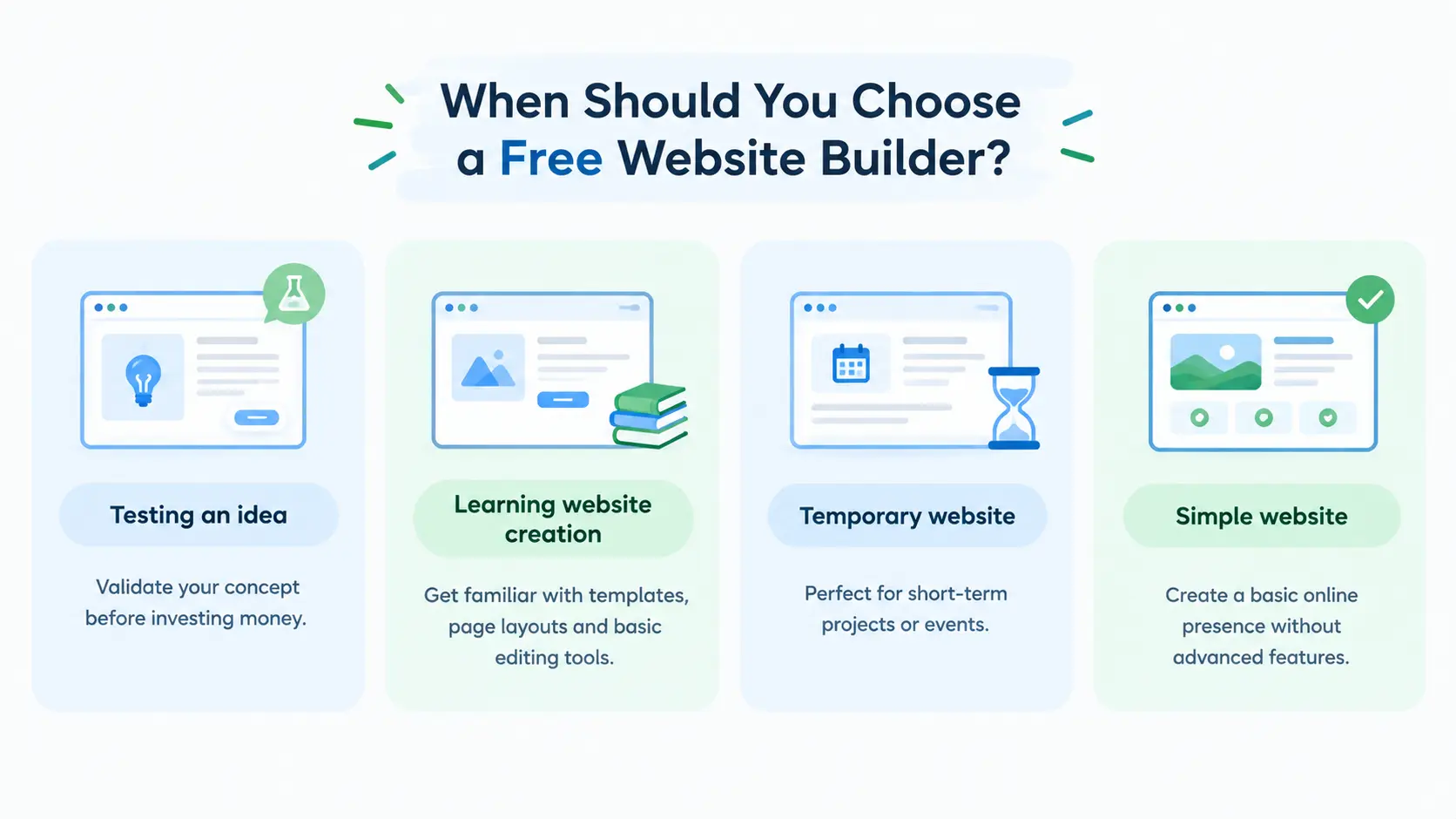
A free website builder can make sense when you have simple website requirements.
Consider a free plan if:
You are testing an idea
A free website lets you test your concept before investing money.
You can create basic pages and see how visitors respond.
You are learning website creation
Beginners can use free tools to understand templates, page layouts, content, and publishing.
If you're new to website creation, follow our website builder guide for beginners to learn how to build your first website step by step.
This makes free plans useful for learning without financial commitment.
You need a temporary website
A temporary project may not justify a paid website subscription.
For example, you might need a basic site for an event or short-term project.
You do not need advanced features
A simple informational website may not require extensive integrations or advanced functionality.
In these cases, free features may be sufficient.
When Should You Choose a Paid Website Builder?
A paid website builder makes more sense when additional features support your website goals.
Consider paying when:
You need a custom domain
A custom domain creates a more professional web address.
It also gives you greater control over your brand identity.
You want stronger branding
Paid plans can reduce platform branding and provide more customization.
This helps your website look consistent with your business identity.
You need more SEO control
Business websites often need control over important SEO elements.
These can include page titles, descriptions, URLs, redirects, analytics, and other technical settings.
However, no website builder can guarantee search rankings.
You plan to generate leads
A business website may need forms, booking tools, analytics, integrations, and stronger calls to action.
Paid plans typically offer more options for these requirements.
You expect your website to grow
Your website needs can change as your business grows.
A paid plan can provide more room for additional pages, features, integrations, and other website needs.
Can You Use a Free Website Builder for a Business?
Yes, but the limitations matter more when your website represents a business.
A free plan may work for a new business testing its online presence and basic website needs. However, you may eventually need a custom domain, lead forms, analytics, integrations, or more design control.
If those features matter to your business, check whether the free plan supports them.
Otherwise, upgrading later may become necessary.
If you're choosing a website builder for your business, explore our guide to the best website builder for small businesses to understand which features and capabilities matter most.
Is a Paid Website Builder Worth It?
A paid website builder can be worth the cost when its additional features support your website goals.
For example, these features can help you:
Generate inquiries
Showcase products or services
Build credibility
Capture leads
Accept bookings
Connect business tools
Improve customer communication
Track website performance
The important question is not “Is the website builder free?”
Instead, ask “Does the plan provide everything my website needs?”
A low-cost plan may become less practical if you later need to migrate because of missing features.
How to Choose Between Free and Paid

Ask these questions before choosing a website builder:
1. What is the website for?
Personal projects usually need fewer features than business websites.
2. Do you need a custom domain?
Check whether the plan supports connecting your preferred domain.
3. Will you need business features?
Consider forms, analytics, bookings, e-commerce, and integrations.
4. How much customization do you need?
Check templates, layouts, branding controls, and design flexibility.
5. Will the website grow?
Choose a platform that can support your expected requirements.
6. What will you actually pay?
Compare the full plan cost instead of focusing only on introductory pricing.
Free vs Paid Website Builder: Which Should You Choose?
Choose a free website builder if you are learning, testing an idea, or creating a simple website with basic requirements.
Choose a paid website builder if you need a custom domain, greater customization, business features, or more flexibility as your website grows.
Before deciding, compare the available features, limitations, total costs, and future requirements. A free plan may be enough today, while a paid plan could offer more value as your needs change.
Ultimately, the best website builder isn't necessarily the cheapest or the one with the most features. It's the one that helps you create a website that meets your goals without unnecessary complexity or costs.
Ready to Build Your Website?
Whether you're launching your first website or establishing an online presence for your business, getting started doesn't have to be complicated.
Explore Launchday.ai and discover a simpler way to create your website.
Frequently Asked Questions
Can I build a website for free?
Yes. Many website builders offer free plans with basic website creation and publishing tools.
However, free plans often include restrictions on domains, branding, storage, customization, or business features.
Is a free website builder good for small businesses?
It can work for businesses with basic requirements. However, businesses needing custom domains, advanced features, or stronger branding may benefit from a paid plan.
Does a paid website builder improve SEO?
Paying for a website builder does not automatically improve search rankings. SEO depends on factors such as useful content, technical accessibility, site structure, page experience, and other signals.
How much does a paid website builder cost?
Pricing varies by platform, plan, features, and billing period. Compare the initial price, renewal price, and included features before choosing a plan.
Can I switch from a free website builder to a paid plan?
Yes. Many website builders let users upgrade from free plans.
However, available features, domain options, and migration processes vary by platform.
Is a free website builder better for beginners?
A free builder can be useful for beginners because it removes the initial cost.
However, beginners should also consider ease of use, available templates, support, and future upgrade options.